
A Better .m File Workflow Is Coming to the MATLAB®-Compatible Compiler
A new file workflow is coming to TheOnlineToolset’s MATLAB®-compatible compiler. Open a local .m file, edit it in the browser, and save your changes back as source code.
Ideas worth using
Practical guides for working smarter with documents, images, audio, video, text, and the web.
Featured
Learn how to plot a sine wave online with GNU Octave, run MATLAB-compatible examples, adjust frequency, and download your graph as a PNG.
Read articleMost popular
A new file workflow is coming to TheOnlineToolset’s MATLAB®-compatible compiler. Open a local .m file, edit it in the browser, and save your changes back as source code.
A practical guide to choosing precise PDF tools for organizing pages, reducing file size, converting documents, exporting images, and finishing files for sharing or upload.
ind the right online image tool for resizing, compression, format conversion, cropping, background removal, watermarks, DPI, ICO icons, and ASCII art.
Meet TheOnlineToolset, a practical collection of online tools for PDFs, images, video, audio, text, developer data, and everyday digital jobs—without installing another app.
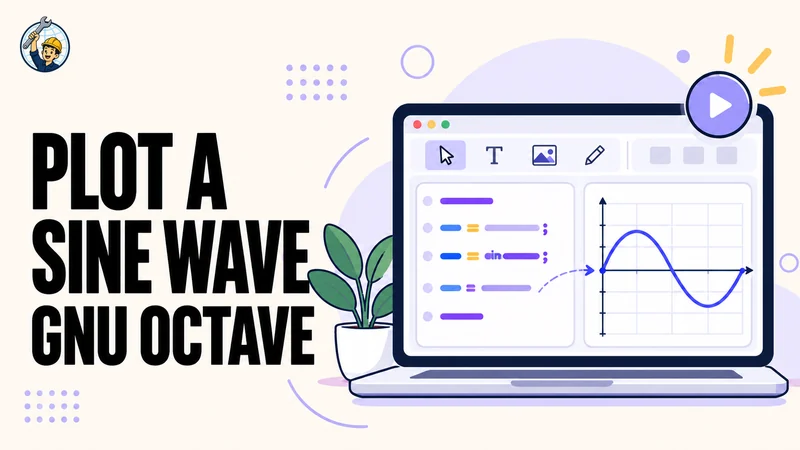
Learn how to plot a sine wave online with GNU Octave, run MATLAB-compatible examples, adjust frequency, and download your graph as a PNG.
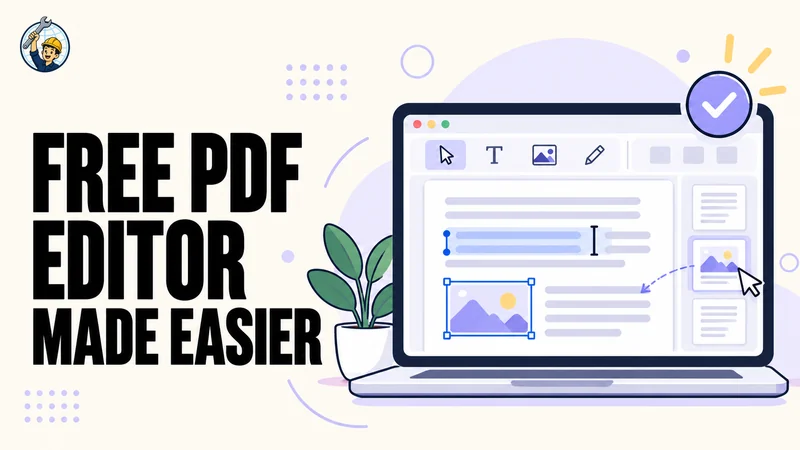
Find out what changed in our free online PDF editor: better fitting for longer replacements, reliable text deletion, and OCR-assisted editing for eligible scanned areas.
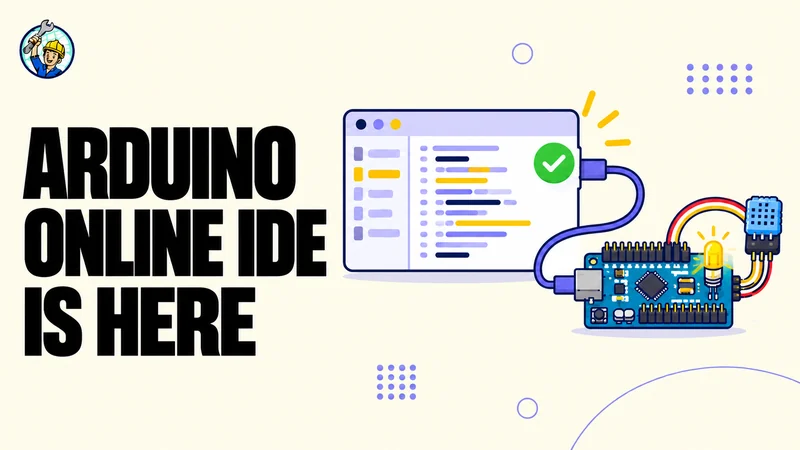
TheOnlineToolset’s Arduino-compatible IDE is live. Edit sketches in the browser, choose a supported board, compile firmware, and download your project files.
A new file workflow is coming to TheOnlineToolset’s MATLAB®-compatible compiler. Open a local .m file, edit it in the browser, and save your changes back as source code.
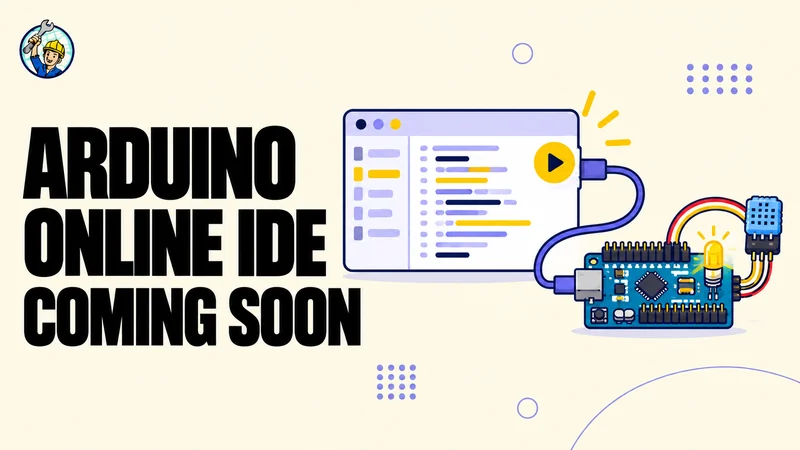
Write an Arduino sketch, choose a supported board, build firmware, and download your source from one browser workspace. TheOnlineToolset’s new Arduino-compatible IDE is coming soon.
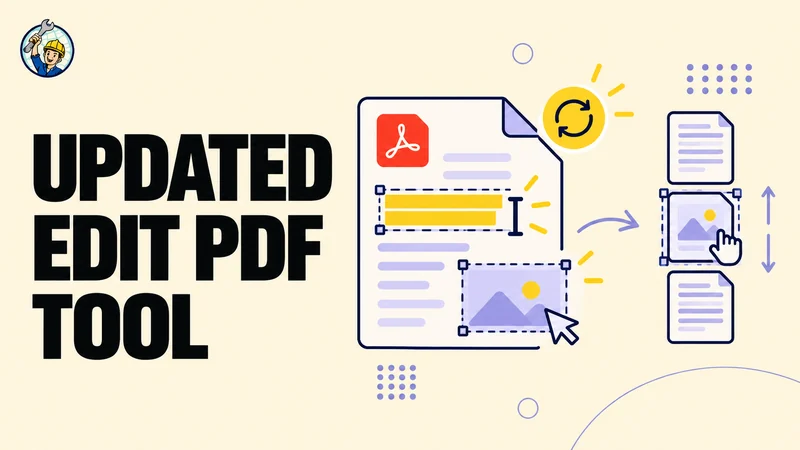
Fix supported text right on the page, add images or markups, organize pages, and export a separate updated PDF with a simpler editing workflow.