
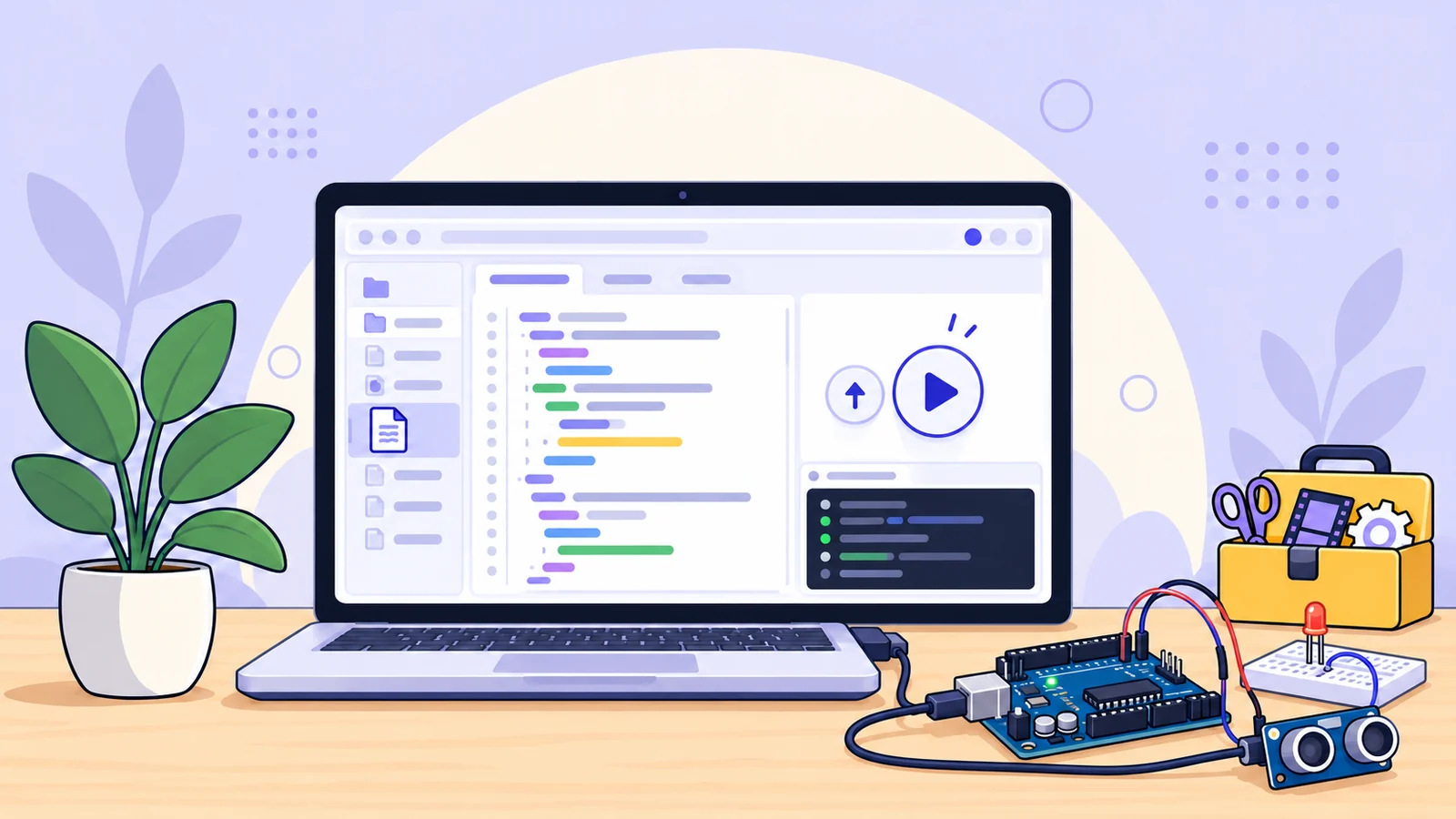
A new place to build Arduino sketches is on the way
A quick change to an Arduino sketch can turn into a lot of window juggling: edit the code, pick the right board, check its libraries, build the firmware, and keep the project files together. TheOnlineToolset is preparing a browser-based Arduino-compatible workspace to bring those steps into one place.
The planned tool is more than a single-box Arduino code compiler. It is being built around a project editor, board selection, curated libraries, firmware builds, and source export. You’ll be able to work with a sketch in the browser, check whether it builds for a listed board, and download the resulting firmware.
The public launch date has not been announced. The planned features below describe the current direction; check the tool page for the final supported-board list and access details when it launches.
Write a sketch and keep its project files together
The Arduino-compatible IDE is designed for projects that include more than one source tab. Keep the main .ino sketch alongside helper source and header files, switch between tabs, and download the project as a ZIP when you want a local copy.
Starting from scratch is not required. The workspace is planned to include selectable examples, including simple sketches that demonstrate the basic setup() and loop() structure. Load an example, choose a board, and adapt it for the project you have in mind.
That gives beginners a more direct first step and gives experienced makers a cleaner place to test a focused change.
Choose the board before you build
Arduino code depends on the target board and its platform. The upcoming compiler is being prepared for a defined list of boards rather than every Arduino-compatible device on the market.
The current planned targets include examples from several families:
Board family | Planned models include |
|---|---|
AVR | Uno, Nano, Mega, Leonardo, Micro, Mini, Pro or Pro Mini |
megaAVR | Nano Every, Uno WiFi Rev2 |
SAMD | MKR Zero, Zero, Nano 33 IoT, MKR WiFi 1010 |
Renesas | UNO R4 Minima, UNO R4 WiFi, Nano R4 |
The exact board and processor options will be shown in the tool. A board name alone is not enough when variants use different processors or bootloaders, so check the selector before compiling.
Add libraries from the available set
The planned IDE includes a library selector for approved packages such as Servo, LiquidCrystal, and Stepper. Some board cores also provide libraries such as Wire, SPI, EEPROM, or SoftwareSerial, depending on the selected board.
This curated approach makes common project dependencies easy to select while keeping the build environment predictable. It does not download arbitrary libraries from the internet during a compile, so check the available library list if your sketch depends on a particular package.
Build firmware and take the project with you
Choose a supported board and verify the sketch to compile it with the matching toolchain. When the build completes, the workspace can offer the firmware formats produced for that board family. Depending on the target, those may include HEX and ELF files or BIN files as well.
You can also export the source project as a ZIP. That means the online Arduino compiler can help with a quick build check while still leaving you with project files and firmware to use in a local workflow.
A successful build confirms that the selected toolchain compiled the sketch. It does not simulate the circuit or prove that the firmware will behave correctly on every physical board.
Optional browser hardware tools
The planned workspace also includes a beta hardware preview for selected Uno and Nano ATmega328P configurations. On supported desktop browsers, Web Serial can be used to select a board port, upload firmware, and work with serial output.
Hardware access depends on the board, bootloader, browser, operating system, and USB connection. The preview is limited to listed configurations; it is not a universal Arduino board flasher. If you only need to compile and download firmware, you can use the build and export workflow without connecting a board.
What to expect from the upcoming Arduino IDE
Planned feature | What it is for |
|---|---|
Multi-file sketch editor | Keep a main sketch and supporting source files in one project |
Board and processor selector | Build against a listed board configuration |
Curated library menu | Select the approved packages included in the build environment |
Compile and diagnostics | Verify the sketch and review compiler output |
Firmware downloads | Export the formats produced for the selected target |
Source ZIP export | Keep a local copy of the project |
Optional hardware preview | Beta browser serial support for selected Uno and Nano configurations |
Frequently asked questions
Is this the official Arduino IDE?
No. This is an independently developed Arduino-compatible workspace from TheOnlineToolset. It is not an official Arduino product and is not affiliated with or endorsed by Arduino.
Is there already an online Arduino IDE?
Arduino offers its own Cloud Editor. The upcoming TheOnlineToolset tool is a separate Arduino-compatible browser workspace with its own supported-board list and build options. Arduino’s Cloud Editor information.
Which Arduino boards will it support?
The current plan includes selected Uno, Nano, Mega, Leonardo, Micro, Nano Every, MKR, Zero, and UNO R4 models. The final compatibility list and processor options will be provided in the tool at launch.
Can it compile any Arduino library?
No. The planned environment includes a curated set of libraries, with additional core libraries depending on the board. Arbitrary internet library downloads are not part of the current design.
Can I upload firmware to a physical board?
A beta browser upload preview is planned for selected Uno and Nano ATmega328P configurations using Web Serial in a supported desktop browser. It will not support every board. Check the tool page for the current device and browser requirements.
Does the online Arduino IDE simulate my circuit?
No. The tool is being built to edit sketches, compile firmware, and provide selected browser hardware features. It is not a virtual breadboard or circuit simulator.
Build your next sketch with fewer detours
From a small Blink test to a project with helper files and a selected board library, the upcoming Arduino-compatible workspace is designed to make sketch editing and firmware builds easier to follow. Keep the code together, check the target before you build, and export the files you need for the next step.
Visit the Arduino-compatible compiler page when the public launch is available.
Trademark notice: Arduino is a trademark of Arduino AG. This independent tool is described as Arduino-compatible and is not an official Arduino product.