
Welcome to TheOnlineToolset: One Toolbox for Everyday Digital Work
A supposedly simple digital task can turn into a surprisingly long detour.
You need to make a PDF small enough to email. An image is the wrong size. A video clip needs trimming before you can share it. Some text arrived in ALL CAPS. A JSON file is technically valid—or at least you hope it is—but almost impossible to read.
None of these jobs calls for a complicated new application. You just need the right tool, a clear set of controls, and a result you can download.
That is why we built TheOnlineToolset.
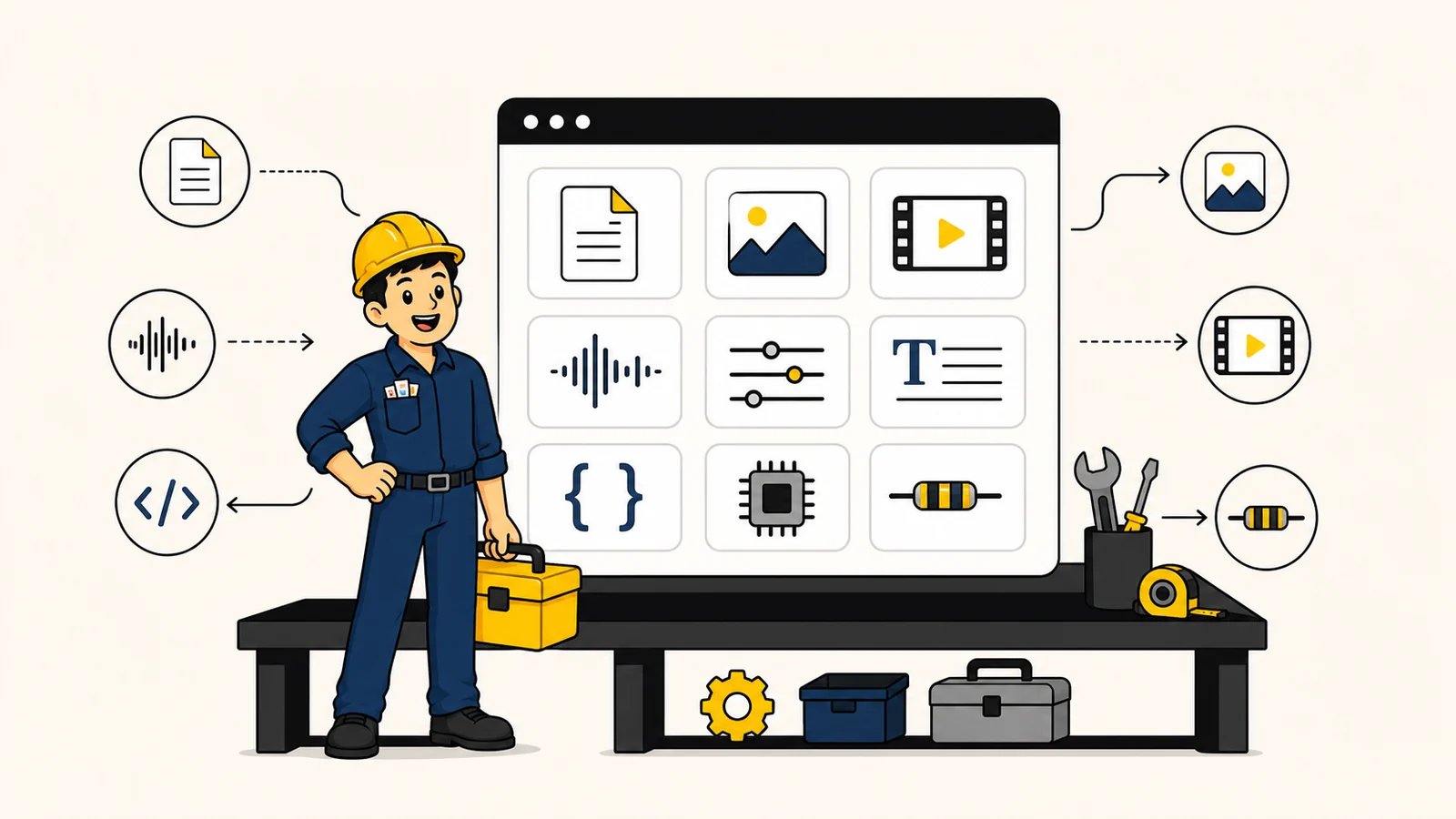
TheOnlineToolset brings practical online tools for documents, images, video, audio, text, developer data, and electronics calculations into one organized workbench. Instead of searching for another unfamiliar website every time a small job lands on your desk, you can start in one place and get on with the work that actually matters.
What is TheOnlineToolset?
TheOnlineToolset is a browser-accessible collection of focused utilities for everyday digital work.
The idea is deliberately straightforward: one task, one suitable tool, and as little friction as possible between your original file and the finished result.
The library currently includes more than 80 tools across seven main areas:
PDF and document tools
Image tools and format converters
Video tools
Audio tools
Text utilities
Developer tools
Electronics calculators
Some tools work directly in your browser. More demanding operations use server-backed processing. The page for each tool explains its particular workflow, accepted formats, available options, and relevant limits.
You do not need to install a large application just to complete one small task, and the current public toolset does not require an account to get started.
One online toolbox, seven kinds of work
Most workdays are untidy. A document task leads to an image task, which leads to a quick calculation, which somehow ends with you fixing a block of text.
TheOnlineToolset is designed for that reality.
Work with PDF files
PDFs are useful because they preserve a document’s appearance. They can also be stubborn when you need to change, reorganize, or share them.
The PDF collection covers common jobs such as:
Compressing a PDF to reduce its file size
Merging PDF files into one ordered document
Splitting a PDF by pages, ranges, or file size
Each tool focuses on a specific outcome. You should not need to understand the internal structure of a PDF merely to rearrange a few pages before sending it.
Resize, convert, and prepare images
Images rarely arrive in exactly the format or dimensions you need.
A photograph may be too large for a form. A transparent PNG needs to become a smaller web image. An iPhone photo may need converting before another application can open it.
You can use TheOnlineToolset to:
There are also direct format converters for familiar jobs such as JPG to PNG, PNG to WEBP, HEIC to JPG, SVG to PNG, and WEBP to JPG.
Handle video and audio without a full editing suite
Not every media job is a production.
Sometimes you only need to shorten a recording, reduce a video’s size, change a file format, or make quiet audio easier to hear.
The video and audio workbenches include tools to:
The available result still depends on the source file, selected settings, browser, and current service conditions. Always review an important output before publishing, submitting, or archiving it.
Clean up text and compare revisions
Text problems tend to be small enough to feel annoying and large enough to waste time.
The text tools can help you count words, change capitalization, compare two revisions, uncover invisible characters, remove duplicates from lists, or extract useful details from an unstructured block of text.
Useful starting points include:
Many of these utilities run in the browser, making them handy for quick checks while writing, editing, or reviewing content.
Format developer data and create QR codes
Structured data is much easier to debug when it is actually readable.
The developer collection includes tools for formatting JSON, formatting XML, and formatting YAML. It also includes utilities for encoding or decoding Base64 and URLs, as well as creating individual or bulk QR codes.
These are intentionally focused utilities. Open one when you need it, complete the transformation, copy or download the result, and return to the project in front of you.
Solve everyday electronics calculations
The toolbox is not limited to files.
Its electronics section includes calculators for Ohm’s law, voltage dividers, LED resistors, battery life, antenna wavelength, resistor color codes, and series or parallel components.
For example, you can use the Ohm’s Law Calculator to solve voltage, current, resistance, and power from two known values, or estimate runtime with the Battery Life Calculator.
These calculators are useful working references, but they do not replace appropriate engineering judgment, component documentation, or safety checks.
How to use TheOnlineToolset
There is no complicated onboarding sequence.
1. Find the job you need to finish
Visit the complete tool library, search by task, or browse one of the available categories.
Searching for the result—“compress PDF,” “resize image,” or “format JSON”—is usually the fastest route.
2. Add your file or information
Depending on the tool, you may upload a file, paste text, or enter a few values.
Review the accepted formats, limits, and available settings shown on the page. If the task involves an important file, keep your original safely stored elsewhere.
3. Choose your options and check the result
Select the settings that fit your goal, start the operation, and download or copy the result when it is ready.
Before relying on the output, open it and check the details that matter: page order, image quality, file size, formatting, sound, timing, or calculated values.
That final check takes a moment and can prevent a much larger headache later.
What happens to uploaded files?
This depends on the tool.
Browser-only tools do their working inside your browser and do not send those working files to the service’s processing environment. Tools that require heavier processing may temporarily receive a file on the server.
Temporary uploads and generated outputs are subject to short cleanup windows. They are not permanent cloud storage, a backup service, or an archive. Download finished results promptly and retain your own copy of every important original.
For the current processing and cleanup details, read the File Retention and Deletion policy. If a file contains sensitive, regulated, confidential, or irreplaceable information, review the individual tool’s workflow and the site’s Privacy Policy before proceeding.
Clear explanations matter here. “Online” does not automatically mean every tool processes data in precisely the same way.
A few useful places to start
Not sure which tool to open first? Try one of these common workflows:
Prepare an attachment: Use Compress PDF when a document is too large to email or upload.
Organize a document packet: Put several files in the correct sequence with Merge PDF, then add consistent numbering with Page Numbers PDF.
Prepare an image for the web: Use Resize Image to set its dimensions, then Compress Image to reduce the final file size.
Review a rewritten document: Paste the original and revised versions into the Text Diff Checker to see what changed.
Make technical data readable: Paste a dense response into the JSON Formatter to indent it and expose structural problems.
The best first tool is simply the one that removes the obstacle currently in front of you.
Frequently asked questions
Are TheOnlineToolset tools free?
The current public toolset can be used without creating an account, subject to tool-specific limits, supported formats, availability, and fair-use controls. Check the individual tool page for the details relevant to your task.
Do I have to install anything?
No installation is required for the web tools. Open the relevant page in a supported browser and follow the instructions there.
Does every tool process files in my browser?
No. Some tools work locally in the browser, while operations that need additional processing use server-backed workflows. The individual tool page indicates the relevant behavior.
Can I use the tools on a phone or tablet?
Many pages can be opened on modern mobile browsers, although the experience and available features may vary with the tool, browser, device, file size, and operating system. For detailed file work, a larger screen may be more comfortable.
Will the output always look exactly like the original?
Not necessarily. Conversion, compression, resizing, and media processing can affect appearance, formatting, compatibility, or quality. The result also depends on the source file and selected settings. Review downloaded files before using them for something important.
Where can I report a problem?
Use the Contact page and include the tool name, approximate time, what you expected, and what happened. Do not attach passwords or complete sensitive files to a support request.
Keep the toolbox within reach
TheOnlineToolset exists for the unglamorous but necessary jobs that appear between the bigger pieces of work.
A file needs shrinking. A picture needs resizing. Two versions need comparing. A recording needs trimming. A resistor value needs checking. None of these tasks should require an afternoon of searching or another oversized application.
When the next small digital problem turns up, start at the TheOnlineToolset workbench. There is a good chance the tool you need is already waiting there.