
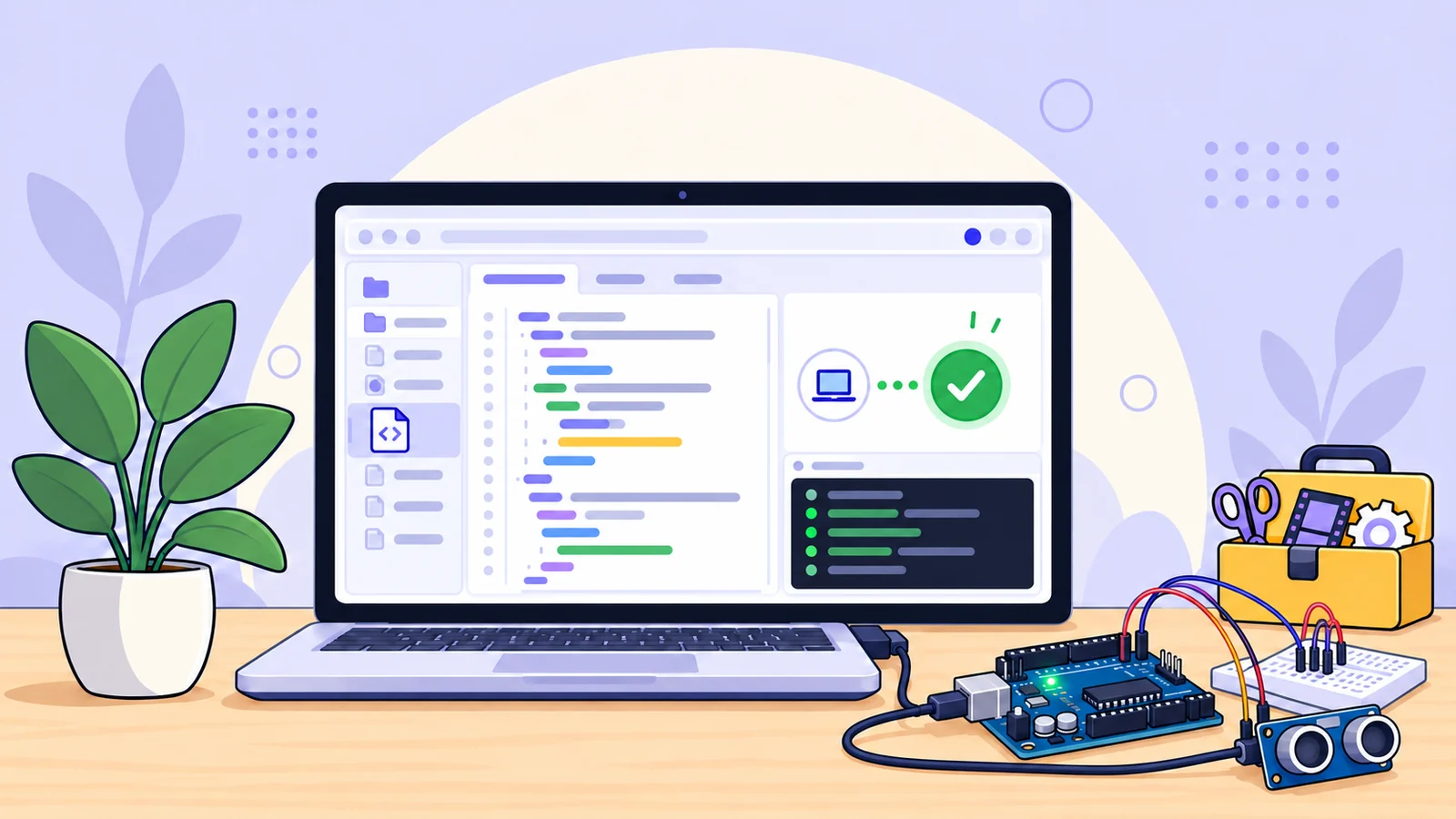
Your Arduino sketch has a new place to work
A small change to an Arduino sketch can send you through several steps: find the right project files, select the board, check the libraries, compile, then locate the firmware output. TheOnlineToolset’s new Arduino-compatible online IDE brings those tasks into one browser workspace.
Write a sketch, keep its supporting files together, select a supported board, and build firmware for that target. When the build is ready, download the firmware or export the source project as a ZIP.
Open the Arduino-Compatible IDE and start a sketch in the browser.
A workspace built around Arduino projects
Arduino sketches often grow beyond a single .ino file. The editor supports a project with multiple tabs, so the main sketch and helper files can stay together while you work. Add, rename, or remove tabs, then download the source project as a ZIP when you want a local copy.
Not sure where to begin? Open one of the included examples and adapt it. A basic sketch using setup() and loop() is a straightforward starting point for experimenting with a board or testing a small change.
Select your board before compiling
The compiler builds for the board and processor you select. Its current target list covers 16 board models across AVR, megaAVR, SAMD, and Renesas families, including:
Board family | Supported models include |
|---|---|
AVR | Uno, Nano, Mega, Leonardo, Micro, Mini, Pro or Pro Mini |
megaAVR | Nano Every, Uno WiFi Rev2 |
SAMD | MKR Zero, Zero, Nano 33 IoT, MKR WiFi 1010 |
Renesas | UNO R4 Minima, UNO R4 WiFi, Nano R4 |
Some boards have more than one processor or bootloader option. Check the board selector and choose the configuration that matches your hardware. The compiler supports the boards in its list; it does not claim to build for every Arduino-compatible device.
Libraries for common projects
The library menu includes a curated set of packages:
Servo 1.3.0
LiquidCrystal 1.0.7
Stepper 1.1.3
Some board platforms also provide core libraries such as Wire, SPI, EEPROM, and SoftwareSerial. Availability depends on the selected board.
Choose the libraries your sketch needs before building. The environment uses an included, approved set; it does not download arbitrary libraries from the internet during a compile.
Compile firmware and download what you need
Choose a target and verify the sketch to run an Arduino CLI build. Review the compiler output, then select from the firmware formats produced for that board. AVR and megaAVR builds provide HEX and ELF files; SAMD and Renesas builds can also provide BIN files.
The project ZIP and firmware downloads serve different purposes: the ZIP contains your editable source files, while the firmware is a build output for a compatible board workflow. A successful compile confirms the selected toolchain built the sketch. It does not simulate a circuit or guarantee how the project will behave with real components.
Optional browser connection for selected boards
For supported Uno and Nano ATmega328P configurations, the IDE includes a beta browser hardware preview. In a compatible desktop browser, use Web Serial to select a port and upload firmware. Serial monitoring is also available as an optional part of the preview.
Hardware access depends on your board, bootloader, browser, and connection. Upload support is limited to the listed Uno and Nano configurations; it is not a universal Arduino board flasher. If you only need to check a build or download firmware, you can use the compiler without connecting a board.
Online Arduino IDE features at a glance
Feature | Details |
|---|---|
Project editor | Up to 24 source files in one sketch project |
Per-file source limit | Up to 128 KB |
Board targets | 16 listed models across AVR, megaAVR, SAMD, and Renesas families |
Included libraries | Servo, LiquidCrystal, Stepper, plus selected board-core libraries |
Build outputs | HEX and ELF for AVR/megaAVR; BIN, ELF, and HEX for SAMD/Renesas |
Source export | Download the project as a ZIP |
Hardware preview | Beta Web Serial upload for selected Uno and Nano ATmega328P configurations |
Frequently asked questions
Is this the official Arduino IDE?
No. This is TheOnlineToolset’s independent Arduino-compatible IDE and compiler. It is not an official Arduino product and is not affiliated with or endorsed by Arduino.
Can I use the IDE online?
Yes. Open the Arduino-compatible compiler in your browser to edit a sketch, select a supported board, build firmware, and export your project source.
Which Arduino boards can I compile for?
The current list includes selected Uno, Nano, Mega, Leonardo, Micro, Mini, Pro or Pro Mini, Nano Every, Uno WiFi Rev2, MKR, Zero, Nano 33 IoT, and UNO R4 models. Check the board selector for exact processor options.
Can I upload to any board from my browser?
No. Browser upload is a beta preview for selected Uno and Nano ATmega328P configurations. Other listed boards can be compiled and their firmware downloaded, but browser upload is not available for every target.
Can I install any Arduino library?
The IDE includes a curated set of libraries, plus some libraries bundled with specific board platforms. Arbitrary internet library downloads are not supported during a build.
Does the Arduino IDE simulate a circuit?
No. It edits sketches and builds firmware for supported targets. It is not a circuit simulator or virtual breadboard.
Start building in one workspace
From a first Blink sketch to a project with extra source tabs and selected libraries, the Arduino-compatible IDE makes it easier to keep the steps together: edit, choose a board, compile, and export.
Open TheOnlineToolset’s Arduino-compatible IDE to build a sketch for a supported board.