
A Better .m File Workflow Is Coming to the MATLAB®-Compatible Compiler
A new file workflow is coming to TheOnlineToolset’s MATLAB®-compatible compiler. Open a local .m file, edit it in the browser, and save your changes back as source code.
Ideas worth using
Practical guides for working smarter with documents, images, audio, video, text, and the web.
Featured
Learn how to plot a sine wave online with GNU Octave, run MATLAB-compatible examples, adjust frequency, and download your graph as a PNG.
Read articleMost popular
A new file workflow is coming to TheOnlineToolset’s MATLAB®-compatible compiler. Open a local .m file, edit it in the browser, and save your changes back as source code.
A practical guide to choosing precise PDF tools for organizing pages, reducing file size, converting documents, exporting images, and finishing files for sharing or upload.
ind the right online image tool for resizing, compression, format conversion, cropping, background removal, watermarks, DPI, ICO icons, and ASCII art.
Meet TheOnlineToolset, a practical collection of online tools for PDFs, images, video, audio, text, developer data, and everyday digital jobs—without installing another app.
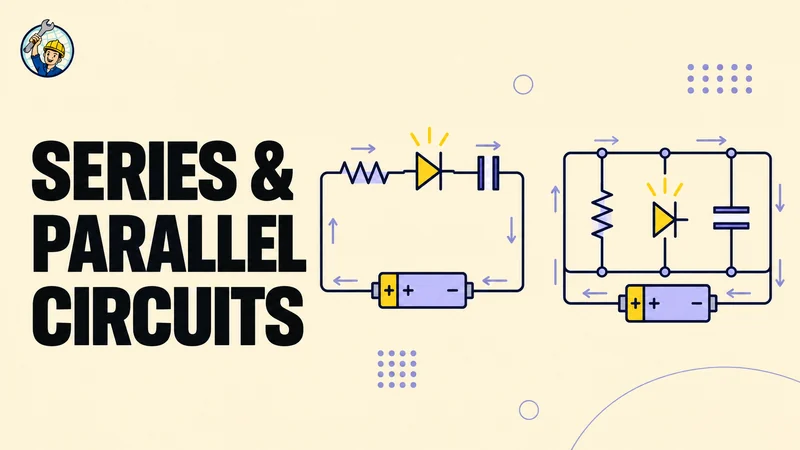
A practical guide to series and parallel circuits: work through resistor, mixed-circuit, LED, and capacitor calculations, with units and power checks.
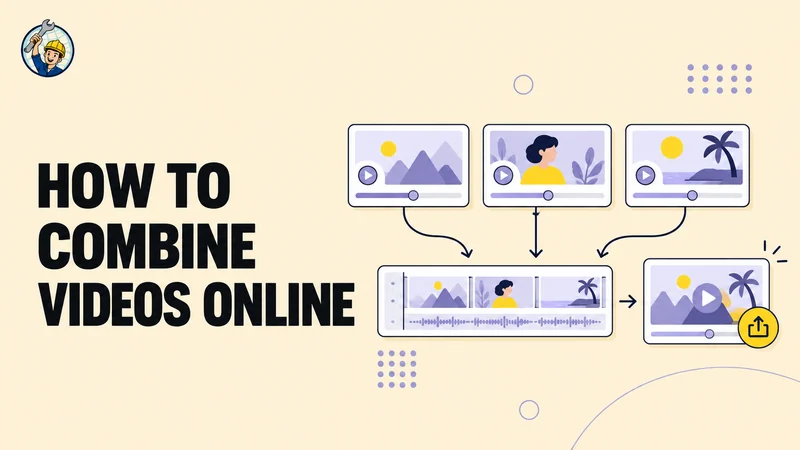
Learn how to join video clips in order, understand MP4 compatibility, manage quality and mixed resolutions, and fix common problems in an online merge.
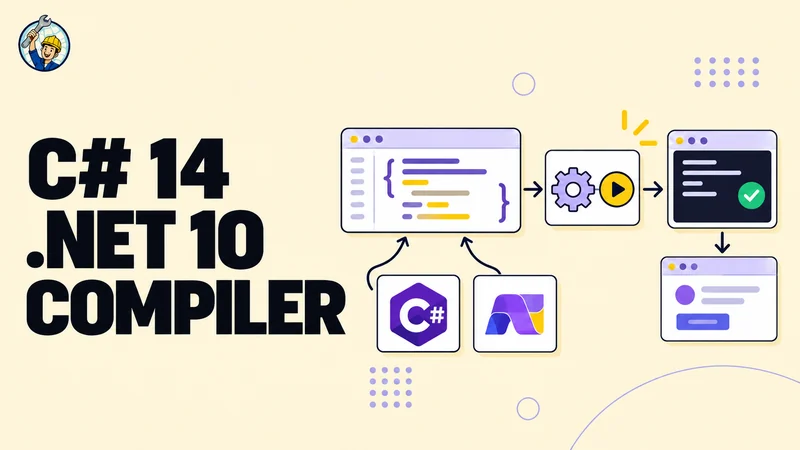
Try C# 14 in a free browser-based runner using .NET 10. Write console code, provide input, inspect diagnostics, and explore eight included libraries.
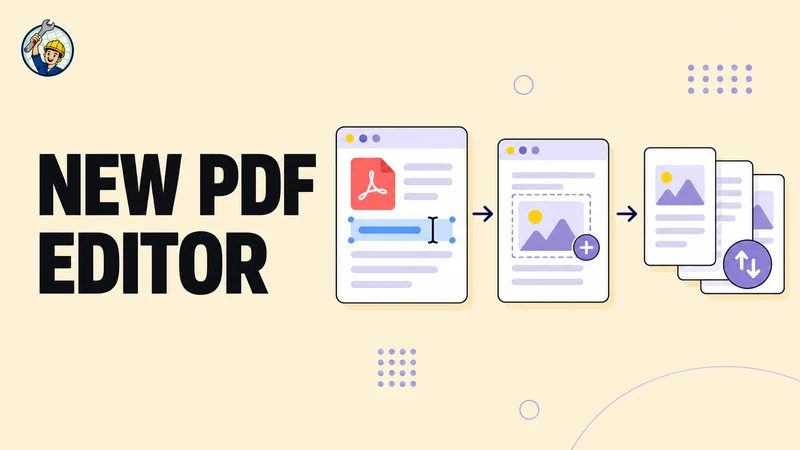
Edit supported text in a PDF, add text or images, mark up pages, and reorder or remove pages with our free online PDF editor.
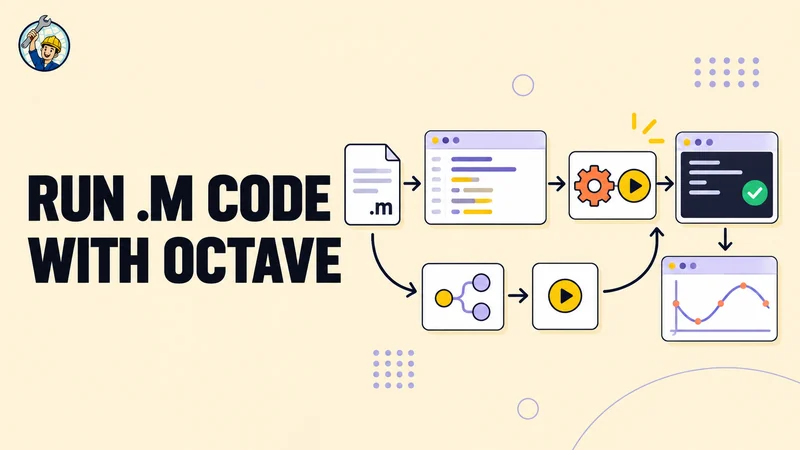
Looking for a free online MATLAB® compiler? Run supported MATLAB® style .m scripts in a browser with GNU Octave, view output and plots, and get started without a runtime download.
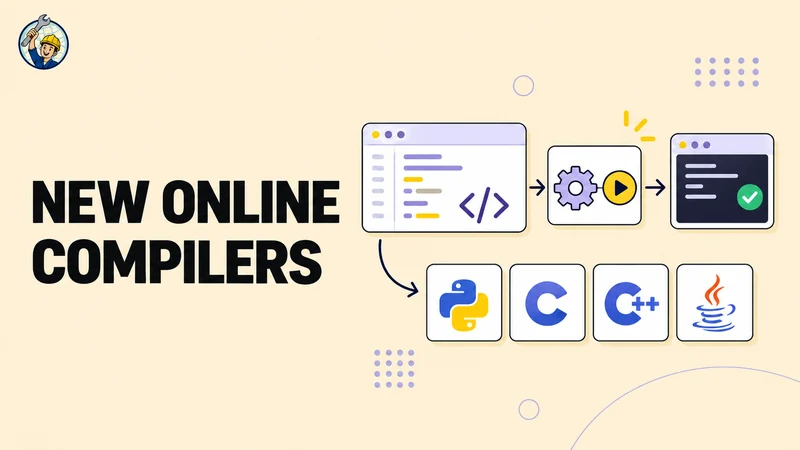
Run Python, C, C++, and Java in your browser with ready-to-use language versions, curated libraries, interactive input, and clear output.