
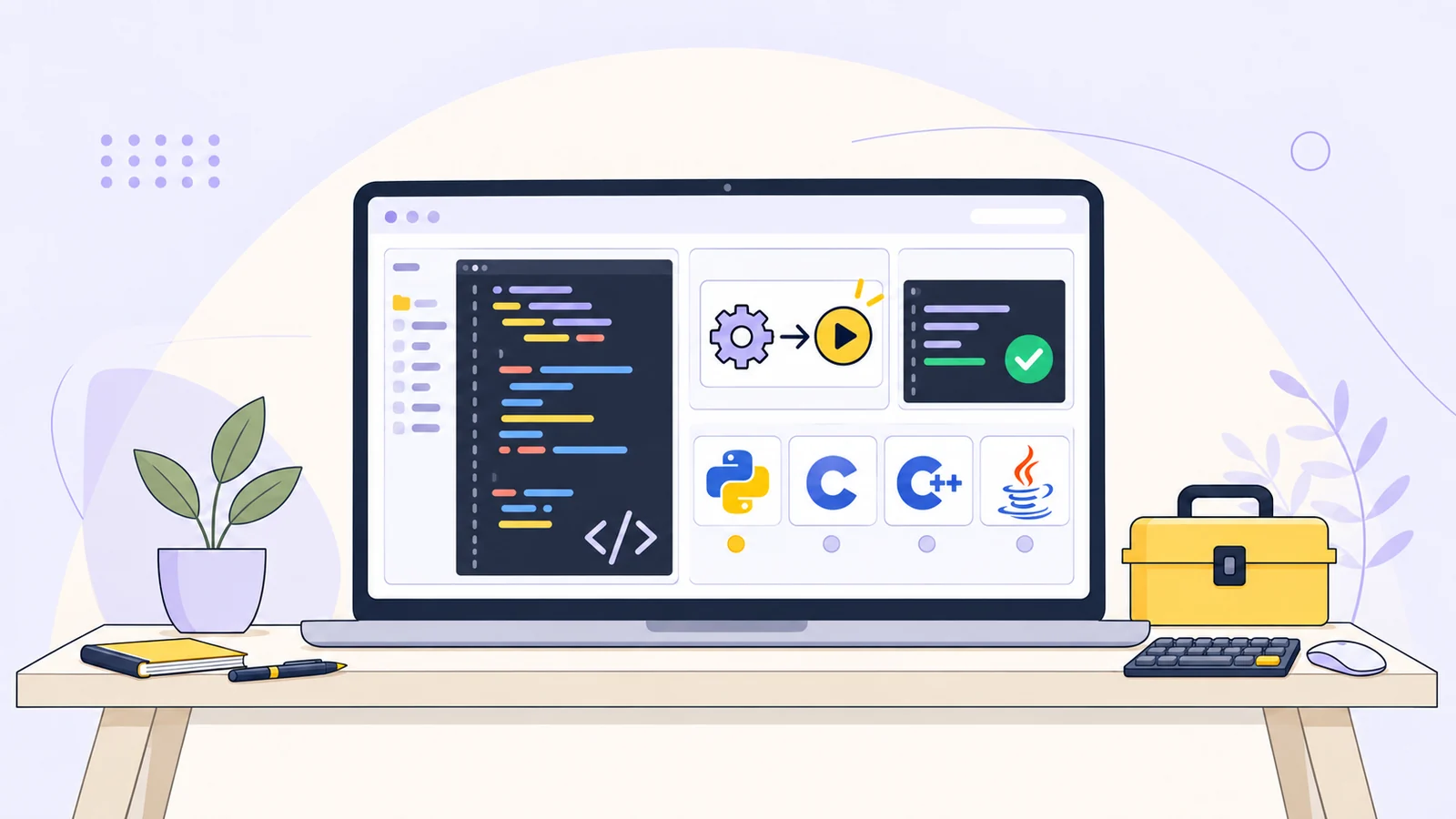
Run code online with a compiler and supported libraries
A quick programming experiment can turn into a setup project: install a compiler, find a compatible package, configure it, then check whether a small example works. Our new online compilers make that first step easier. Open a language page, write code in the syntax-highlighted editor, and run it with a curated selection of libraries already included.
There are four focused tools: an online Python compiler, a C compiler, a C++ compiler, and a Java compiler. Across their catalogs, they offer 31 distinct third-party libraries. The seven C libraries are counted once in that total, even though they’re also available from C++. Together, the catalogs offer a wide range of supported packages for data work, math, utilities, and graphics.
Choose a language and runtime
Online compiler | Language version |
|---|---|
Python 3.12 | |
C17 with GCC 14.2 | |
C++20 with G++ 14.2 | |
Java 21 with OpenJDK 21 |
Each page lists the supported libraries and their versions. It also includes copyable import or include snippets to help you get from a blank editor to a working example. The library list is specific to each compiler: it shows which packages are ready to use with that language.
Explore the included libraries
The catalogs cover different kinds of experiments, from data analysis in Python to charts in Java. Here’s a guide to the included options.
Python: data, science, graphs, and visuals
For data structures and analysis, the Python compiler includes NumPy 2.2.6, Pandas 2.3.2, and Polars 1.33.1. These give you several ways to represent and work with tabular or numerical data.
For scientific and statistical experiments, try SciPy 1.16.1, SymPy 1.14.0, scikit-learn 1.7.2, or statsmodels 0.14.5. The visual and utility options include Matplotlib 3.10.6 and Seaborn 0.13.2 for plots, NetworkX 3.5 for graph structures, Pillow 11.3.0 for image work, and Rich 14.1.0 for formatted terminal output.
C: systems, data, math, and graphics
The C compiler includes GMP 6.3.0 for multiple-precision arithmetic; json-c 0.18 and SQLite 3.46.1 for structured data; and PCRE2 10.46 for regular expressions. For other systems-oriented experiments, the catalog includes Cairo 1.18.4 for graphics, OpenSSL crypto 3.5.7 for cryptographic operations, and zlib 1.3.1 for compression.
C++: algorithms, math, and application building blocks
C++ adds Boost 1.83 and range-v3 0.12.0 for general-purpose and range-based programming; Eigen 3.4.0 and Armadillo 14.2.3 for linear algebra; and nlohmann/json 3.11.3 for JSON. For formatting and logging, it includes fmt 10.1.1 and spdlog 1.15.2. The C compiler’s seven bundled libraries are available from C++ as well, including SQLite, Cairo, OpenSSL crypto, and zlib.
Java: standard modules, utilities, math, and charts
The Java compiler exposes Java 21 standard modules and includes Gson 2.8.8 for JSON; Apache Commons CSV 1.9.0 for CSV data; Apache Commons Lang 3.11 for common utilities; Apache Commons Math 3.6.1 for mathematical work; and JFreeChart 1.0.19 for charts. The bundled Java jars are added to the classpath automatically.
Run programs with interactive input and plot output
Use the Run and Stop controls to compile and execute code. The interactive terminal accepts standard input (stdin), so you can test prompts and input-driven programs, not just examples that print a fixed result. Output and compiler errors appear with the run, making it straightforward to edit and try again.
You can also explore graphics output. Python plots created with plt.show() appear as PNG images in the results, subject to the tool’s output limits. C and C++ programs can use Cairo to export PNGs. Java programs can create charts with JFreeChart; name non-Python plot files plot-*.png for them to appear in the results.
A simple way to get started:
Open the compiler for your language.
Check its library panel for a supported package and version.
Copy an import or include snippet if you need one.
Write a small program, provide input if needed, and select Run.
Inspect the output, make a change, and run again.
This workflow is handy for learning a language, checking an algorithm, exploring an included API, or testing a short code example without preparing a full local setup.
Know the limits of the online environment
Programs run on the server in fresh, disposable, network-isolated containers. Each run has a time limit: 12 seconds for Python, 8 seconds for C and C++, and 10 seconds for Java. Projects and workspaces are not persisted.
The packages are curated and preinstalled. You can use the listed libraries, but the environment does not provide network access or arbitrary package downloads, including arbitrary Maven dependencies. These compilers are designed for learning, snippets, algorithm exercises, and small experiments with the included APIs. For a larger project or one that depends on packages outside the supported list, a local development environment is a better fit.
Ready to try an idea? Start with the Python compiler and explore its supported libraries.